
Talaria mx3 display
Talaria MX3 Display: The Ultimate Guide to Features, Setup, and Upgrades in 2025
Are you a proud owner of the Talaria MX3 electric dirt bike or considering one? Then you’ve likely noticed the sleek Talaria MX3 display – that compact powerhouse mounted on your handlebars. This isn’t just a speedometer; it’s your ride’s command center, delivering real-time data to keep you in control during every twist, jump, and throttle blast. In this comprehensive guide, we’ll dive deep into everything you need to know about the Talaria MX3 display: from its cutting-edge features to troubleshooting tips, upgrade options, and more. Whether you’re ripping trails or customizing your setup, this post has you covered.
Why focus on the Talaria MX3 display? It’s the heartbeat of your Talaria Sting MX3 bike, providing essential insights that enhance safety, performance, and fun. Let’s break it down step by step.
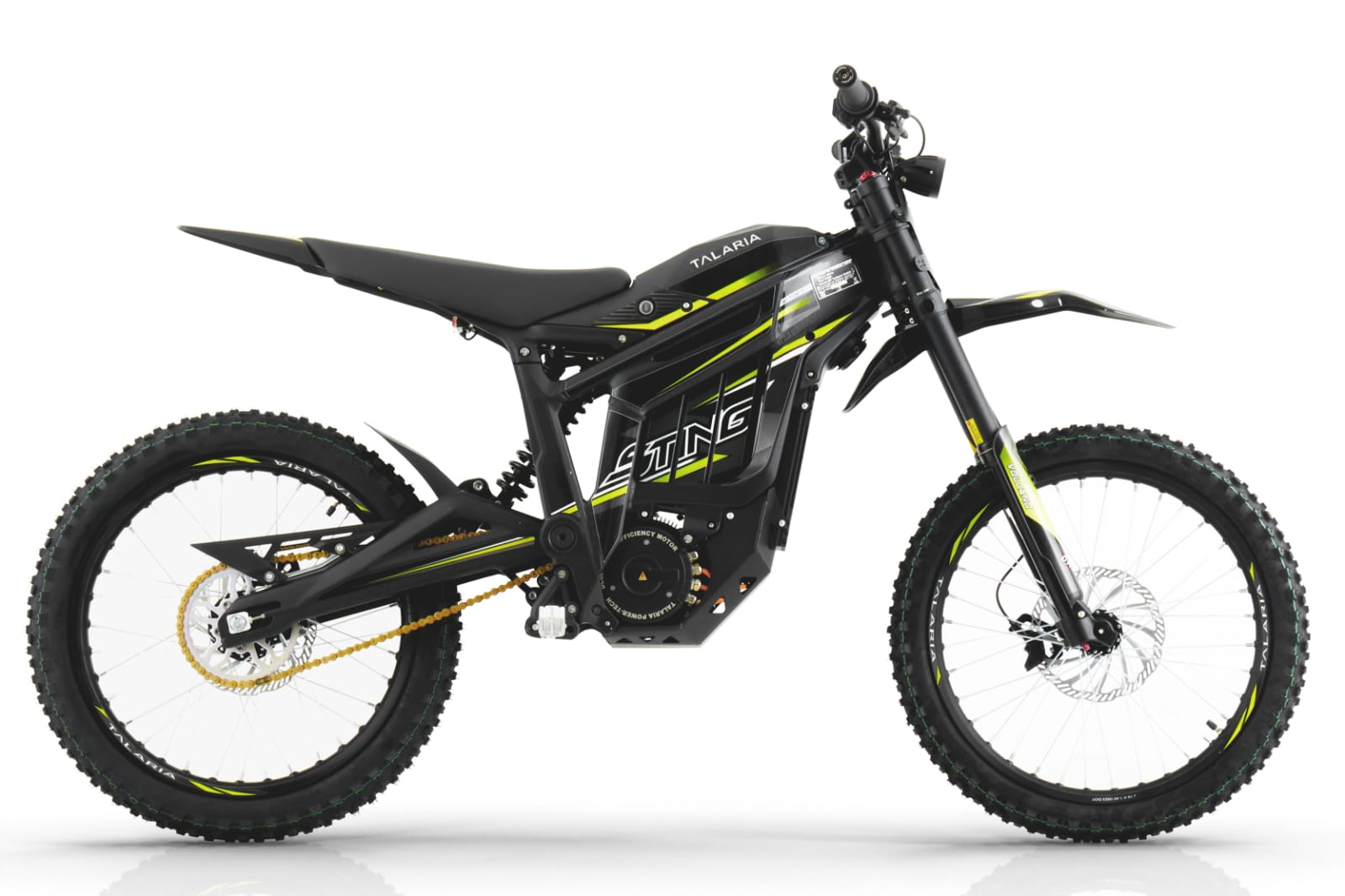
What Makes the Talaria MX3 Display Stand Out?
The Talaria MX3 display is a high-contrast OLED screen designed for off-road warriors. Unlike basic LCDs on older models, this OLED tech offers vibrant colors, sharp contrast, and ultra-low power consumption – perfect for long rides without draining your 60V 38.4Ah battery.
Key specs at a glance:
- Screen Type: OLED (high visibility in sunlight)
- Mounting: Handlebar-integrated for quick glances
- Connectivity: CAN bus for seamless data from BMS and controller
- Power Draw: Minimal, preserving your 2280Wh battery life
- Dimensions: Compact (fits perfectly without cluttering bars)
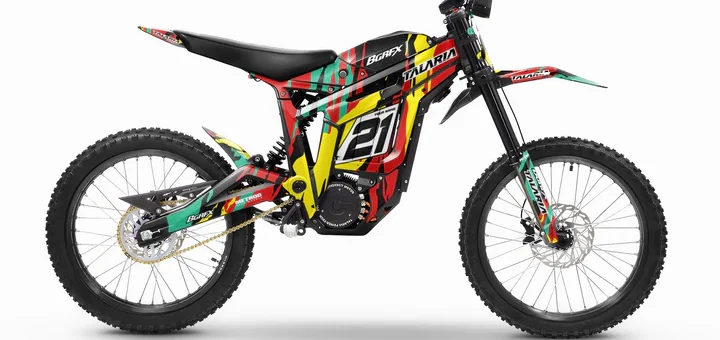
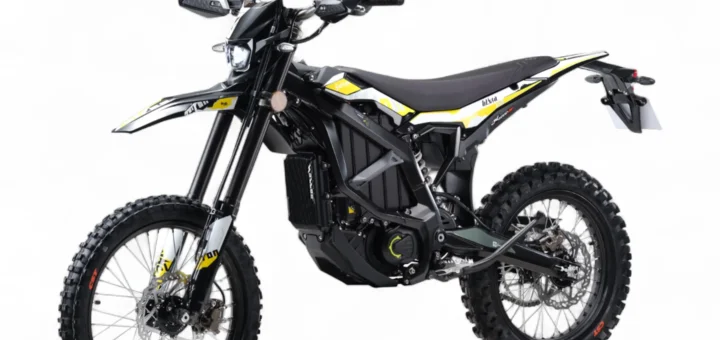
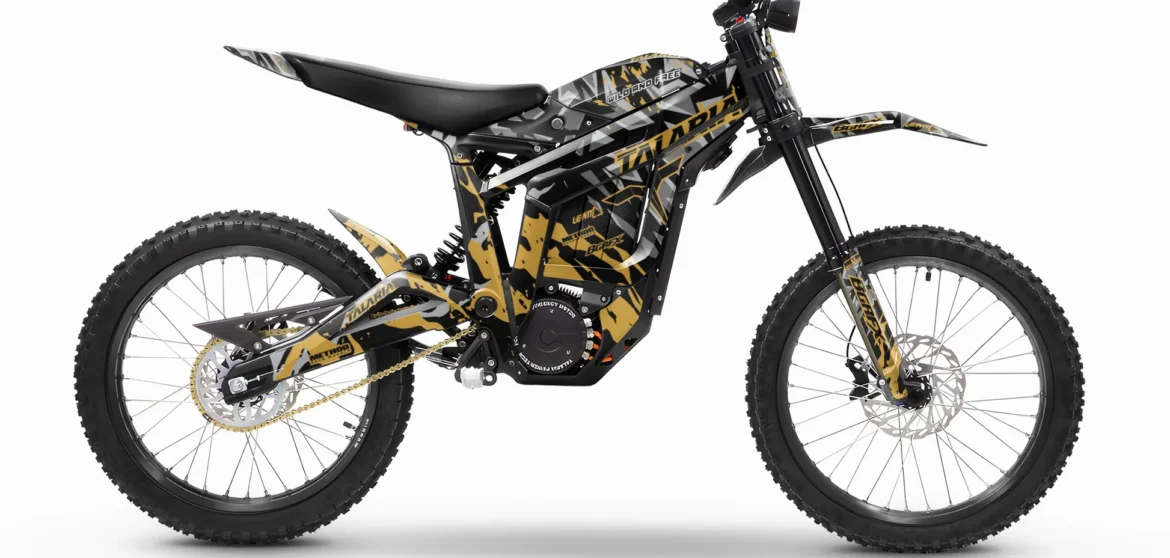
This display turns your Talaria Sting MX3 – with its 6000W motor, gearbox drive, and 47 mph top speed – into a smart machine.
Core Features of the Talaria MX3 Display
What does the Talaria MX3 display actually show? Here’s the full rundown:
1. Real-Time Speed Tracking
- Current Speed: Large, bold readout in MPH or KM/H
- Average Speed: Track your session performance
- Top Speed: Hit that personal best? It’s logged here
2. Battery Intelligence
- SOC (State of Charge): Percentage left at a glance
- Range Estimate: Predicted miles based on riding style
- Voltage Monitoring: Spot issues before they strand you
3. Riding Modes & Regen Control
- Modes: Eco, Sport, and custom – switch on the fly
- Regen Levels: 4 adjustable settings for energy recovery
- Error Codes: Instant alerts for motor or battery faults
4. Odometer & Trip Data
- Total Odometer: Lifetime mileage
- Trip Meter: Reset for each adventure
- Wheel/Sprocket Calibration: Fine-tune for accuracy
Pro Tip: Use the handlebar buttons to cycle screens – up/down for modes, long press for settings.
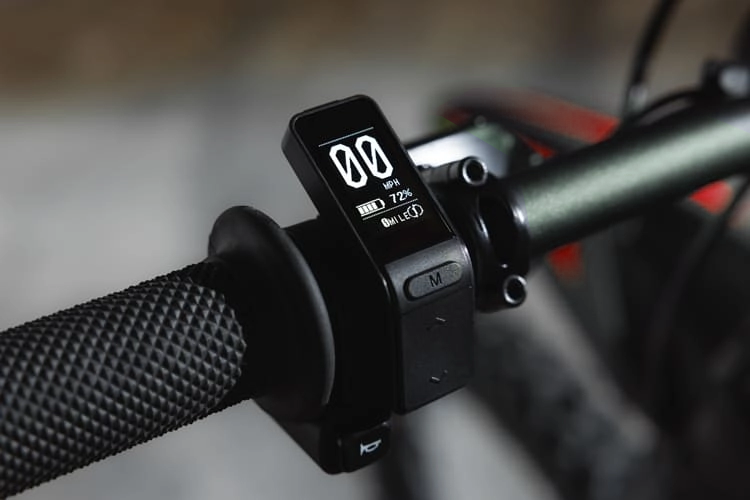
How to Read and Navigate Your Talaria MX3 Display
Getting started is simple:
- Power On: Twist the throttle or hit the key – “READY” flashes.
- Main Screen: Speed dominates, with battery bar and mode icon.
- Button Controls:
Button Function Mode Button Cycle Eco/Sport/Custom Up/Down Scroll data screens Long Press Enter settings menu - Customize:
- Set wheel size (19″ stock)
- Adjust sprocket (44T default)
- Toggle units
Visual Guide:
- Green Battery Bar: 70%+ – Go hard!
- Yellow: 30-70% – Pace yourself
- Red: <30% – Regen time
Talaria MX3 Display vs. Competitors: MX4, Sting R, and Surron
| Feature | Talaria MX3 Display | MX4 TFT | Surron Light Bee |
|---|---|---|---|
| Screen | OLED Compact | Full-Color Large | Basic LCD |
| Regen Adjust | 4 Levels | 5 Levels | Fixed |
| Visibility | Excellent | Best | Average |
| Price | $85-150 Replacement | $200+ | $100 |
The Talaria MX3 display punches above its weight – brighter than Surron, more efficient than older Stings.
Upgrading Your Talaria MX3 Display: Level Up Your Ride
Stock is great, but upgrades take it next-level:
Top Upgrade Picks
- Large Color TFT Display ($150-250): MX4-style screen with GPS-ready integration.
- Luna Cycle Dash ($90): Plug-and-play for MX3/MX4.
- EOL OLED Screen ($100): 72V compatible, waterproof.
Installation Steps
- Disconnect battery.
- Unplug stock connector (4-pin white).
- Mount new display.
- Calibrate via menu.
- Test ride!
Pair with EBMX X9000 Controller for Bluetooth tuning – monitor temps, power maps via app.

Troubleshooting Common Talaria MX3 Display Problems
Issue: Blank Screen
- Fix: Check fuses, reseat connector.
Flickering?
- Clean pins, inspect cables.
Inaccurate Speed?
- Recalibrate wheel size.
Stuck in Eco?
- Controller match function.
Pro Tip: Always power cycle (off 30s) before panicking.
Maintenance Tips to Keep Your Talaria MX3 Display Crystal Clear
- Clean Gently: Microfiber + isopropyl.
- Protect: Add aluminum guard ($20).
- Weatherproof: Avoid submersion.
- Firmware Updates: Check Talaria app.
Regular checks = 1000s of trouble-free miles.
Where to Buy Talaria MX3 Display Replacements & Parts
- Official: TalariaUSA ($150 OEM)
- Luna Cycle: $90, fast ship.
- Amped Bikes: $85 budget pick.
- Amazon/eBay: Used $50-80 (test first).
Shop sales – Black Friday deals incoming!
Frequently Asked Questions (FAQs)
Q: Is the Tala ria MX3 display waterproof? A: IP65-rated – rain ok, power wash no.
Q: Can I add GPS to Talaria MX3 display? A: Yes, via aftermarket TFT upgrades.
Q: MX3 vs MX4 display – worth upgrading? A: If you want color/big screen, yes!
Q: Battery shows 100% but dies fast? A: Calibrate BMS via display menu.
Q: Compatible with 72V upgrades? A: Yes, TL3000 OLED versions available.
Conclusion: Master Your Ride with the Talaria MX3 Display
The Talaria MX3 display isn’t just tech – it’s your edge on the trails. From instant torque feedback to smart battery management, it elevates the Talaria Sting MX3 to pro-level status. Ready to upgrade? Grab a replacement today and unlock peak performance.
Drop a comment: What’s your favorite Talaria MX3 display feature? Share tips below!